
Homework is easier to manage when students can see everything they need to do in one place. Without a plan, assignments are forgotten, projects are left to the last minute and evenings become stressful for students and parents alike. A homework planner turns a pile of tasks into a clear schedule, showing what is due, when it is due and how much time each subject needs.
This page offers ten free homework planner templates in Microsoft Word, Excel and PDF formats, including weekly homework planners, an editable homework and study timetable, a student homework schedule and a blank daily homework chart. Preview each design, download the one that suits your student's age and routine and use our tips to build lasting homework habits.
Download free homework planner templates
Download Homework Templates (Schedules & Planners):






You Can See More Homework Examples Here

Homework Chart For One Week

Homework Assignment Tracker
Homework Schedule

Homework Sheet Printable

Homework List Sample

Weekly Homework Planner

Creative Homework Planner

Homework Assignment Sheet Example
Homework Planner Printable

Homework Deadline Chart

Homework Assignments Tracker
The Word planners (DOCX and DOC) can be edited in Microsoft Word, Google Docs or LibreOffice Writer. The Excel planners (XLSX and XLS) work in Excel, Google Sheets and LibreOffice Calc and are useful for students who prefer to plan on screen. The daily homework chart is a PDF, ready to print and fill in by hand.
What is a homework planner?
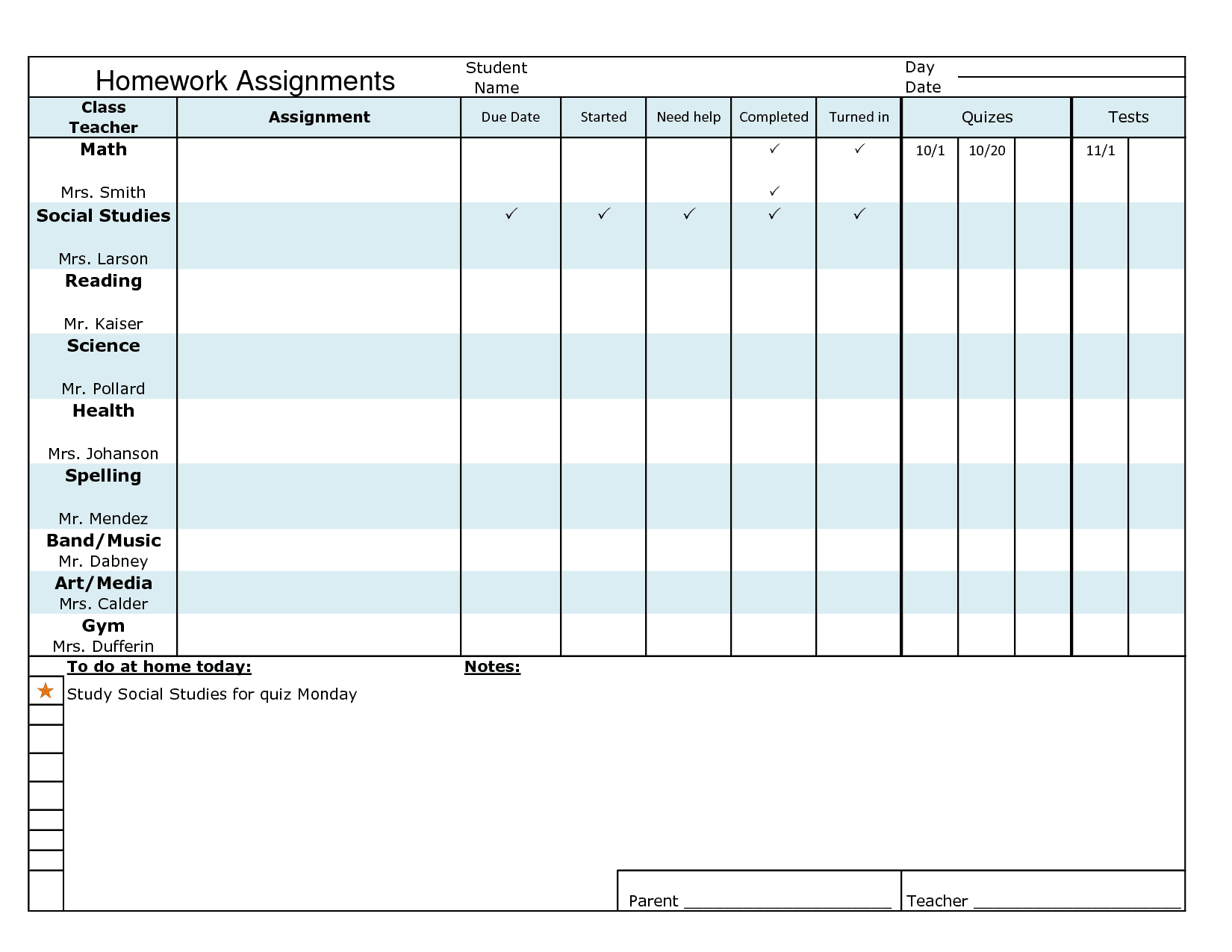
A homework planner is a schedule or checklist that helps students record assignments, due dates and study time for each subject. Planners usually organize work by day or week and include space for the subject, the task, the due date, the estimated time and a checkbox to mark completion. Some planners also include sections for tests, projects, reading logs and extracurricular activities, giving students a complete picture of their week.
Types of homework planners on this page
Weekly homework planners
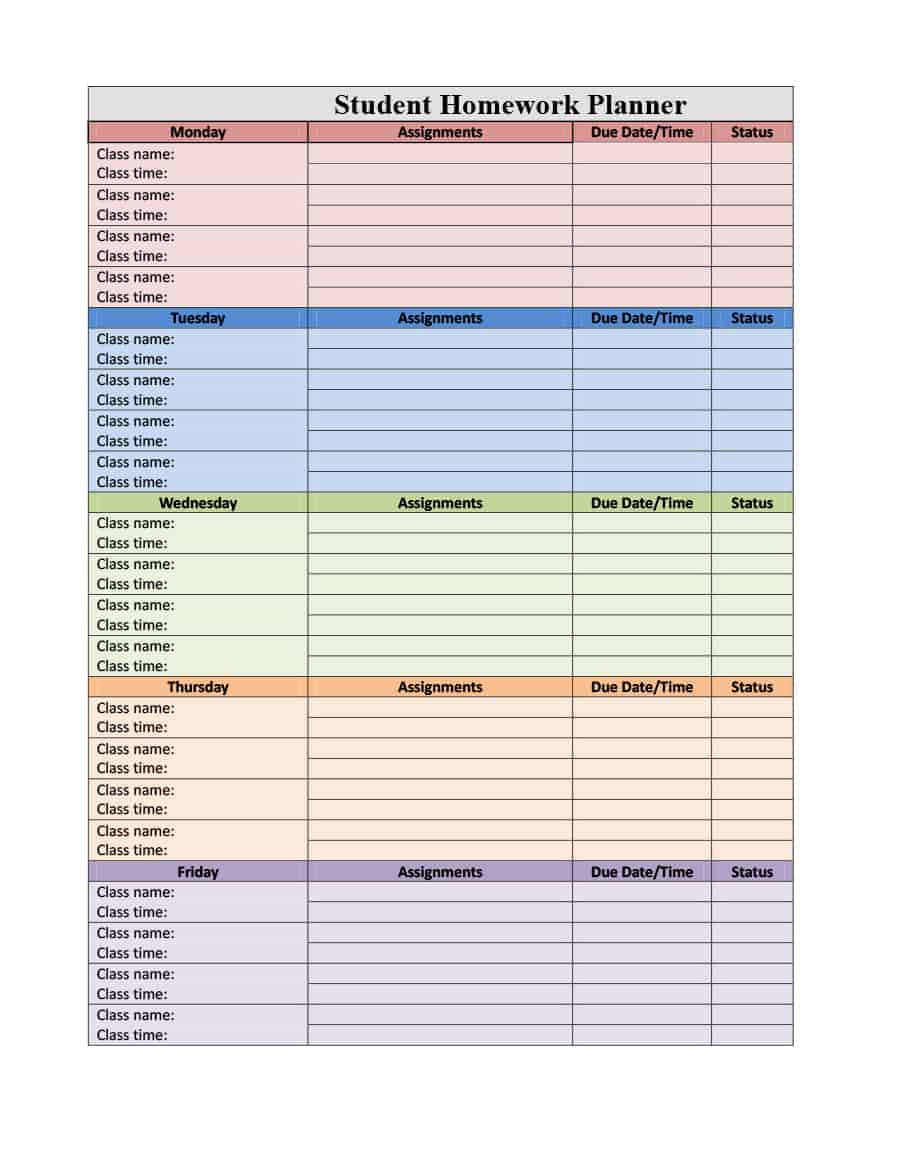
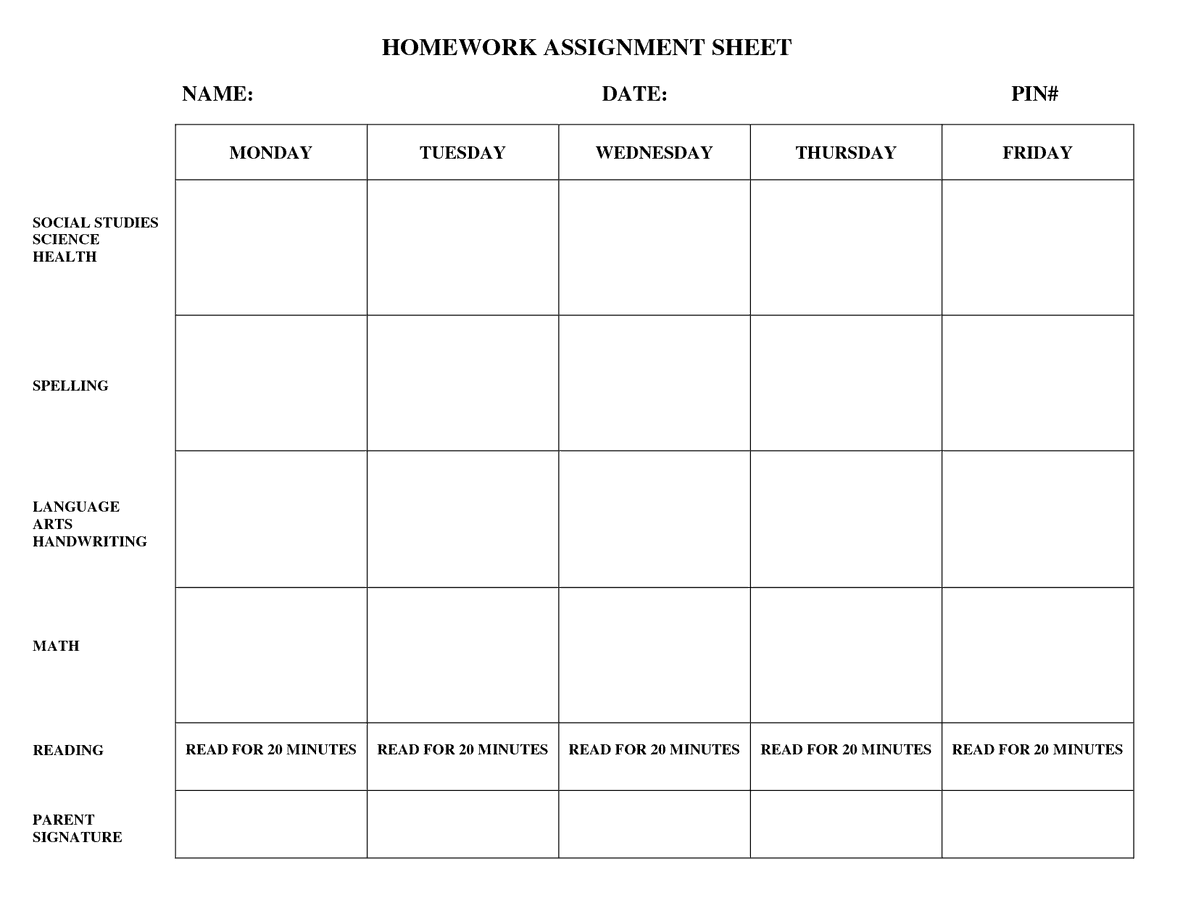
Weekly planners show each school day in a column or row, with spaces for each subject. Students fill in assignments as they are given and check them off when done. They are ideal for middle and high school students with several subjects.
Homework and study timetable
The editable homework study timetable divides each afternoon or evening into time slots, so students can schedule homework, revision, breaks and activities. It is especially useful during exam periods.
Student homework schedule (Excel)
The Excel schedule lets students type assignments, sort them by due date and track progress digitally, which suits older students and those who use laptops for school.
Daily homework chart
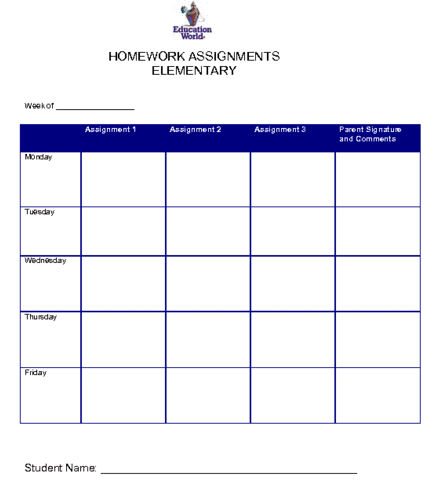
The blank daily homework chart is a simple printable sheet for younger children. Parents and children can list daily tasks and tick them off, building routine and responsibility.
What to include in a homework planner
- Week or date range.
- Subjects, such as maths, English, science, history and languages.
- Assignment description.
- Due date.
- Estimated time needed.
- Priority level.
- Materials or resources required.
- Completion checkbox.
- Upcoming tests, quizzes and project deadlines.
- Notes for parents or teachers.
- After-school activities and commitments.
How to use a homework planner step by step
- Choose a planner format that matches the student's age and preference for paper or digital planning.
- Print or open the planner at the start of each week.
- Fill in fixed commitments first, such as sports, lessons and family events.
- Record every assignment as soon as it is given, with the due date.
- Break large projects into smaller tasks with their own mini deadlines.
- Estimate how long each task will take and schedule it on a specific day.
- Plan the hardest or most urgent work first, when energy is highest.
- Check off tasks as they are completed.
- Review the planner each evening to prepare for the next day.
- Look back at the end of the week to see what worked and adjust the next plan.
Benefits of using a homework planner
- Fewer forgotten or late assignments.
- Better time management and less last-minute stress.
- Improved grades through consistent study.
- Greater independence and responsibility.
- A clear view of busy weeks and test periods.
- Easier communication between students, parents and teachers.
- Better balance between schoolwork, activities and rest.
Homework planning tips for students
- Set a regular homework time each day.
- Choose a quiet, well-lit study space without distractions.
- Put phones away or use focus apps while working.
- Work in focused blocks of 25 to 45 minutes with short breaks.
- Start long-term projects early and work on them a little each day.
- Ask teachers for help as soon as something is unclear.
- Pack your bag the night before using your planner as a checklist.
- Reward yourself after completing difficult tasks.
Tips for parents
Parents play an important role in helping children develop good homework habits. Sit down with your child at the start of each week to fill in the planner together, especially for younger children. Agree on a consistent homework time and place. Check the planner regularly and praise effort and progress, not only results. Avoid doing homework for your child; instead, help them break tasks into manageable steps and encourage them to find answers. If your child consistently struggles with workload, talk to their teachers.
Homework planners for different ages
Primary school
Young children benefit from simple charts with large boxes, pictures and stickers. Keep homework sessions short and focus on building routine.
Middle school
As students take on more subjects, weekly planners help them track assignments and develop independence. Introduce simple time estimates.
High school and college
Older students juggle exams, projects, jobs and activities. Digital planners in Excel or Google Sheets, combined with term calendars, help them plan ahead and prioritize.
Combining planners with digital tools
Many schools use online learning platforms such as Google Classroom or Microsoft Teams to post assignments. Students can still benefit from a personal homework planner that brings all subjects together in one view. Copy assignments from online platforms into the planner each day, or use the Excel template and set reminders in a calendar app for important deadlines. A combination of paper and digital planning works well for many students.
Customizing the templates
Edit subject names and colours to match the student's timetable. Add a row for reading, music practice or language practice. Change the start day to match your school week. In the Excel planners, use conditional formatting to highlight overdue tasks in red and completed tasks in green. Print weekly planners on coloured paper or add a cover page to create a homework binder for the term.
Planning for tests and exams
Homework planners are also powerful revision tools. When a test date is announced, write it in the planner immediately, then count back and schedule short review sessions on the days before. Spread revision over several days rather than cramming the night before, because spaced practice helps students remember more. Use the study timetable template to block out revision slots for each subject during exam season, and include breaks, meals, exercise and sleep so the schedule is realistic and sustainable.
Managing long-term projects
Science fair projects, essays and group assignments often span several weeks. To avoid a last-minute rush, break each project into stages such as choosing a topic, research, outline, first draft, revisions and final presentation. Give each stage its own due date in the planner and check progress every week. For group projects, record who is responsible for each part and when the group will meet. Teaching students to plan projects this way builds skills they will use throughout school and work.
Homeschool homework planning
Homeschooling families can use these planners to schedule lessons, independent work and reading across the week. Record subjects and lesson topics, mark completed work and keep finished planners as a record of learning for portfolios or local reporting requirements.
Frequently asked questions
Are these homework planner templates free?
Yes. All ten templates are free to download, edit and print for personal, classroom or homeschool use.
Which format should I choose?
Choose Word or PDF for printed planners and Excel for students who prefer digital planning and sorting.
Can teachers use these planners in class?
Yes. Teachers can print planners for students or adapt them to show class assignments for the week.
How much time should students spend on homework?
It depends on age and school policy. A common guideline is about 10 minutes per grade level per night, but follow your school's recommendations.
Can I edit the PDF homework chart?
The PDF is designed to be printed and filled in by hand. For an editable version, use one of the Word or Excel planners.
How can I motivate my child to use a planner?
Let them choose the design, use stickers or colours, and celebrate when they complete all tasks for the week.
Should homework planners include free time?
Yes. Scheduling breaks, play, exercise and family time makes the plan realistic and helps students avoid burnout.
What is the best day to fill in a weekly planner?
Sunday evening or Monday morning works well, with quick daily updates as new assignments are given.
Can older students use the Excel planner on a phone?
Yes. Open it in the Google Sheets or Excel mobile app to check and update assignments on the go.