
The general ledger is the backbone of every accounting system. Every sale, purchase, payment and receipt a business makes eventually flows into it, and it is the source for the trial balance, income statement and balance sheet. Whether you run a small business, keep books for clients, study accounting or manage a non-profit's finances, a clear general ledger format makes recording and reviewing transactions far easier.
This page offers a collection of free general ledger templates, each supplied in a ZIP file: editable general ledger sheets in Word, Excel general ledger and T-account worksheets, and printable PDF examples, including accounting, financial, monthly and general journal formats. Preview the designs, download the format that suits you and use our step-by-step guide to keep accurate ledger records.
Download free general ledger templates
Download General Ledger Template:
Here is a preview of this general ledger template.


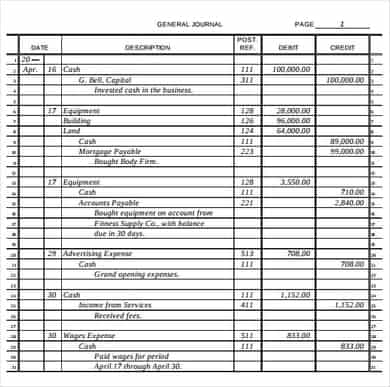


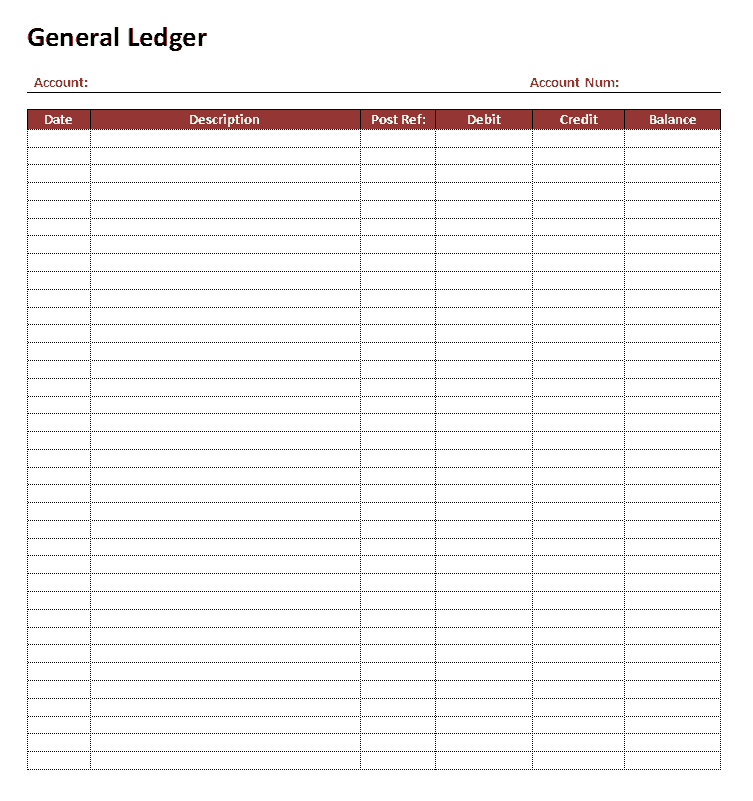


Examples Of General Ledgers:
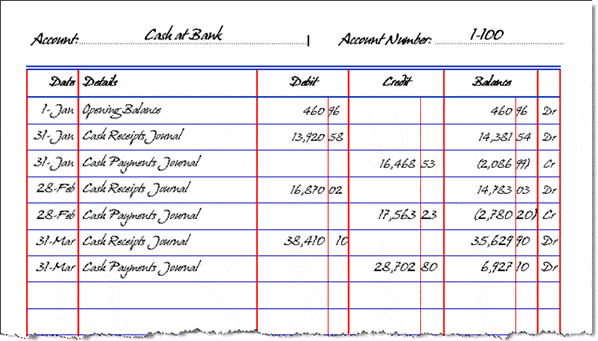
General Ledger Sheet

General Ledger Worksheet

General Ledger Data Sheet

General Ledger Transactions Tracker
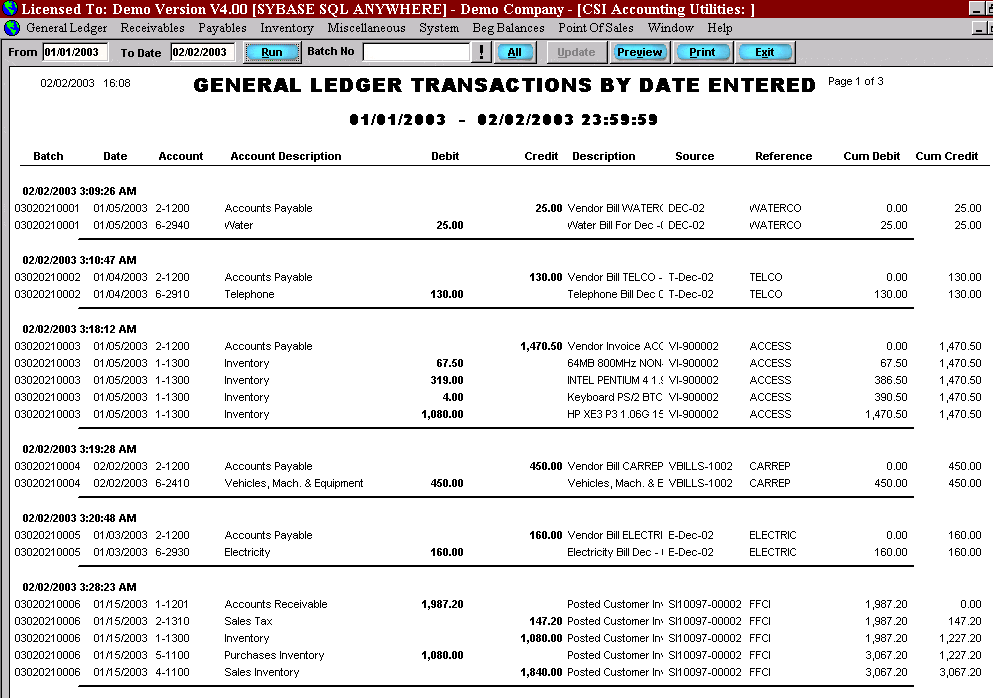
General Ledger Sample
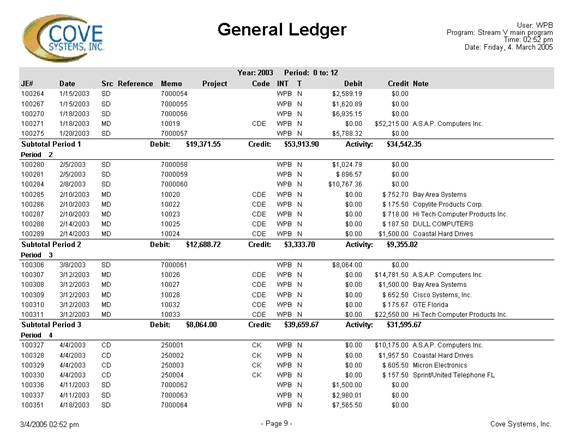
Business General Ledger
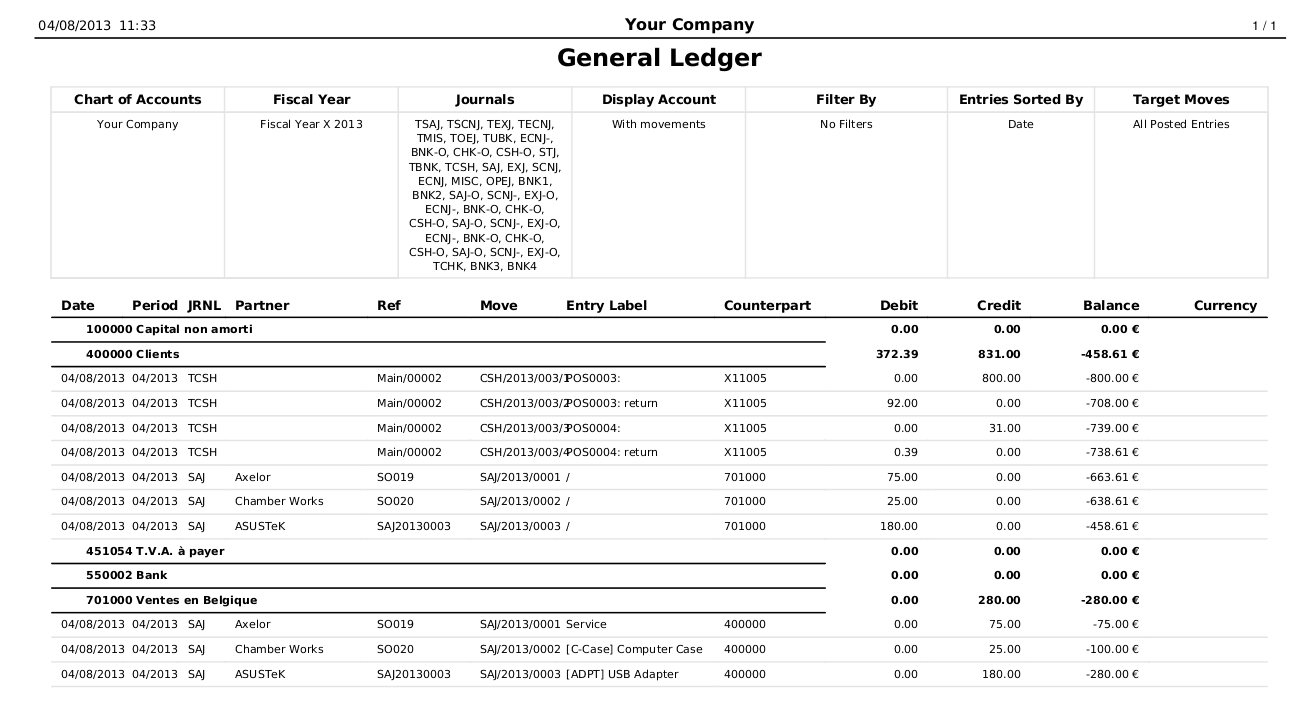
General Ledger Report

General Ledger Example Free

General Ledger Spreadsheet
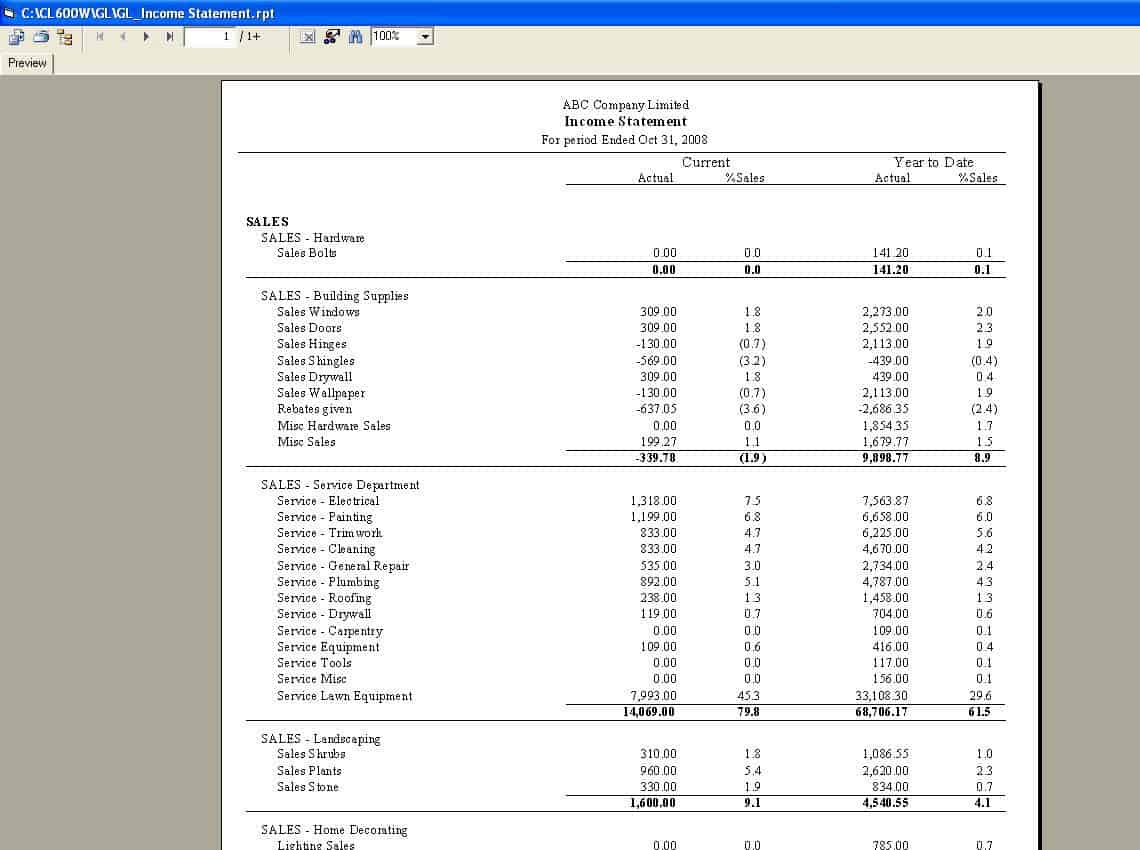
General Ledger Tracker

General Ledger Of Company

General Ledger Account Sheet

General Ledger Data Sheet

Extract each ZIP file to access the template inside. The Excel files (XLSX) let you enter transactions and calculate running balances automatically. The Word files (DOCX) are editable ledger layouts that you can print or fill in on screen. The PDF files are printable general ledger, general journal and monthly GL examples, useful for handwritten bookkeeping and accounting study.
What is a general ledger?
A general ledger (GL) is the complete record of a business's financial transactions, organized by account. Each account, such as cash, accounts receivable, inventory, accounts payable, sales revenue or rent expense, has its own page or section showing every debit and credit posted to it and a running balance. Transactions are first recorded in journals, such as the general journal or sales journal, and then posted to the relevant ledger accounts. At the end of a period, the balances of all accounts are listed in a trial balance to check that total debits equal total credits.
General ledger vs. general journal
The general journal records transactions in chronological order as they happen, showing the date, the accounts affected, the debit and credit amounts and a description. The general ledger reorganizes the same information by account, so you can see the full history and balance of each account. In simple terms, the journal answers "what happened on this date?" while the ledger answers "what is the balance of this account?". This page includes a general journal example as well as ledger formats, so you can practise both steps.
What to include in a general ledger template
- Business name and accounting period.
- Account name and account number from the chart of accounts.
- Date of each transaction.
- Description or narration.
- Journal reference or posting reference.
- Debit amount.
- Credit amount.
- Running balance, marked as debit or credit.
- Opening and closing balances for the period.
- Totals for the period.
How to use a general ledger step by step
- Set up a chart of accounts listing every account with a number, grouped into assets, liabilities, equity, revenue and expenses.
- Create a ledger sheet for each account, entering the opening balance.
- Record each transaction in the general journal with the date, accounts, debit, credit and description.
- Post each journal entry to the relevant ledger accounts, entering the amounts in the debit or credit columns.
- Update the running balance after each entry.
- Include the journal reference so every posting can be traced back to its source.
- At month end, total the debit and credit columns for each account and calculate closing balances.
- Prepare a trial balance listing all account balances.
- Investigate and correct any differences before preparing financial statements.
- Carry closing balances forward as opening balances for the next period.
Understanding debits and credits
Double-entry bookkeeping requires every transaction to affect at least two accounts, with total debits equal to total credits. Debits increase asset and expense accounts and decrease liability, equity and revenue accounts. Credits do the opposite. For example, when a business buys office supplies for 500 in cash, it debits Office Supplies Expense by 500 and credits Cash by 500. Following this rule consistently is what keeps the ledger in balance and makes errors easier to detect.
T-accounts explained
A T-account is a simple visual form of a ledger account shaped like the letter T. The account name goes on top, debits on the left and credits on the right. T-accounts are widely used in accounting education and by accountants sketching out complex transactions before recording them. The T-ledger account sheet on this page provides a printable and editable grid of T-accounts, ideal for students, exam practice and quick analysis of adjusting entries.
Example general ledger entries
Suppose a business starts the month with 10,000 in cash. On 3 November it receives 2,500 from a customer, so the cash account is debited 2,500 and the balance rises to 12,500. On 5 November it pays rent of 1,200, so cash is credited 1,200 and the balance falls to 11,300. On 12 November it pays a supplier 3,000, crediting cash again and leaving a balance of 8,300. Each line includes the date, a description and a journal reference, so anyone reviewing the ledger can trace the entry back to the original invoice, receipt or bank statement.
Benefits of keeping a general ledger
- A complete, organized record of every financial transaction.
- The foundation for trial balances and financial statements.
- Easier detection of errors and fraud.
- Support for tax returns, audits and loan applications.
- Clear insight into income, expenses and cash flow.
- Accurate information for budgeting and decision-making.
Excel vs. Word vs. PDF ledgers
Excel general ledger
Excel templates calculate totals and running balances automatically, reduce arithmetic errors and allow sorting and filtering. They are the best choice for ongoing small business bookkeeping.
Word general ledger
Word templates provide clean printable layouts that can be customized with your business name and filled in by hand or on screen.
PDF general ledger examples
PDF examples are ready to print and useful for handwritten records, classroom exercises and understanding standard ledger formats.
Common bookkeeping mistakes to avoid
- Posting amounts to the wrong account.
- Entering a debit as a credit, or vice versa.
- Transposing numbers, such as entering 540 instead of 450.
- Forgetting to post a journal entry to the ledger.
- Recording a transaction twice.
- Failing to reconcile cash and bank accounts each month.
- Not keeping supporting documents for entries.
When to move to accounting software
Spreadsheet ledgers work well for small businesses, freelancers and students. As transaction volumes grow, accounting software such as QuickBooks, Xero, Wave, Zoho Books or Sage can automate posting, bank reconciliation, invoicing and reporting. Even then, understanding the general ledger helps you check that software entries are correct and interpret reports confidently. Many businesses export their software GL into Excel for analysis.
The chart of accounts
Before you can use a general ledger, you need a chart of accounts: a numbered list of every account the business uses. A common numbering system groups accounts by type, such as 1000 to 1999 for assets, 2000 to 2999 for liabilities, 3000 to 3999 for equity, 4000 to 4999 for revenue and 5000 to 6999 for expenses. Keep the chart simple at first and add accounts only when needed. Using consistent account numbers in every ledger template makes posting faster and reports easier to read.
Month-end closing checklist
- Post all journal entries for the month.
- Reconcile bank and credit card accounts with statements.
- Review accounts receivable and accounts payable balances.
- Record adjusting entries for accruals, prepayments and depreciation.
- Prepare the trial balance and confirm debits equal credits.
- Review unusual balances and investigate differences.
- Prepare the income statement and balance sheet.
- Back up the ledger files and lock the period.
Keeping supporting documents
Every ledger entry should be backed by a source document, such as a sales invoice, supplier bill, receipt, bank statement or payroll record. Number documents to match journal references and store them in date order, either in labelled folders or as scanned files in a cloud drive. Good records make it easy to answer questions from accountants, auditors and tax authorities and to correct mistakes quickly. Most tax authorities require businesses to keep accounting records for several years, so check the retention period that applies to you.
Frequently asked questions
Are these general ledger templates free?
Yes. All templates on this page are free to download and use for bookkeeping, study or teaching.
How do I open the ZIP files?
Right-click and choose Extract All on Windows, or double-click on a Mac, then open the Excel, Word or PDF file.
What is the difference between a general ledger and a trial balance?
The general ledger contains every transaction by account. A trial balance is a summary list of each account's closing balance, used to check that debits equal credits.
Can I use the Excel ledger in Google Sheets?
Yes. Upload the XLSX file to Google Drive and open it with Google Sheets.
How often should I post to the general ledger?
Small businesses often post weekly or monthly, but posting regularly, even daily, makes errors easier to catch and reports more current.