
Senior decision makers are busy. They often read only the first page of a proposal, report or business case before deciding whether to approve, reject or ask for more information. That first page is the executive summary, and it can make or break your recommendation. A strong executive summary states the opportunity, the recommendation and the business case clearly enough that a reader can make a decision in minutes.
Our free executive summary template for Microsoft Word uses an editorial burgundy design that turns a complex proposal into a concise one-page brief. It includes sections for the opportunity, recommendation, urgency, business case, expected value, risks, evidence and next 30-day actions. Preview the template below, download the editable DOCX file and follow our guide to writing an executive summary that wins approval.
Download the executive summary template
Download the Executive Summary Template
This editorial burgundy Word template turns a complex proposal into a concise one-page brief with sections for the opportunity, recommendation, urgency, business case, expected value, risks, evidence, and next 30-day actions.
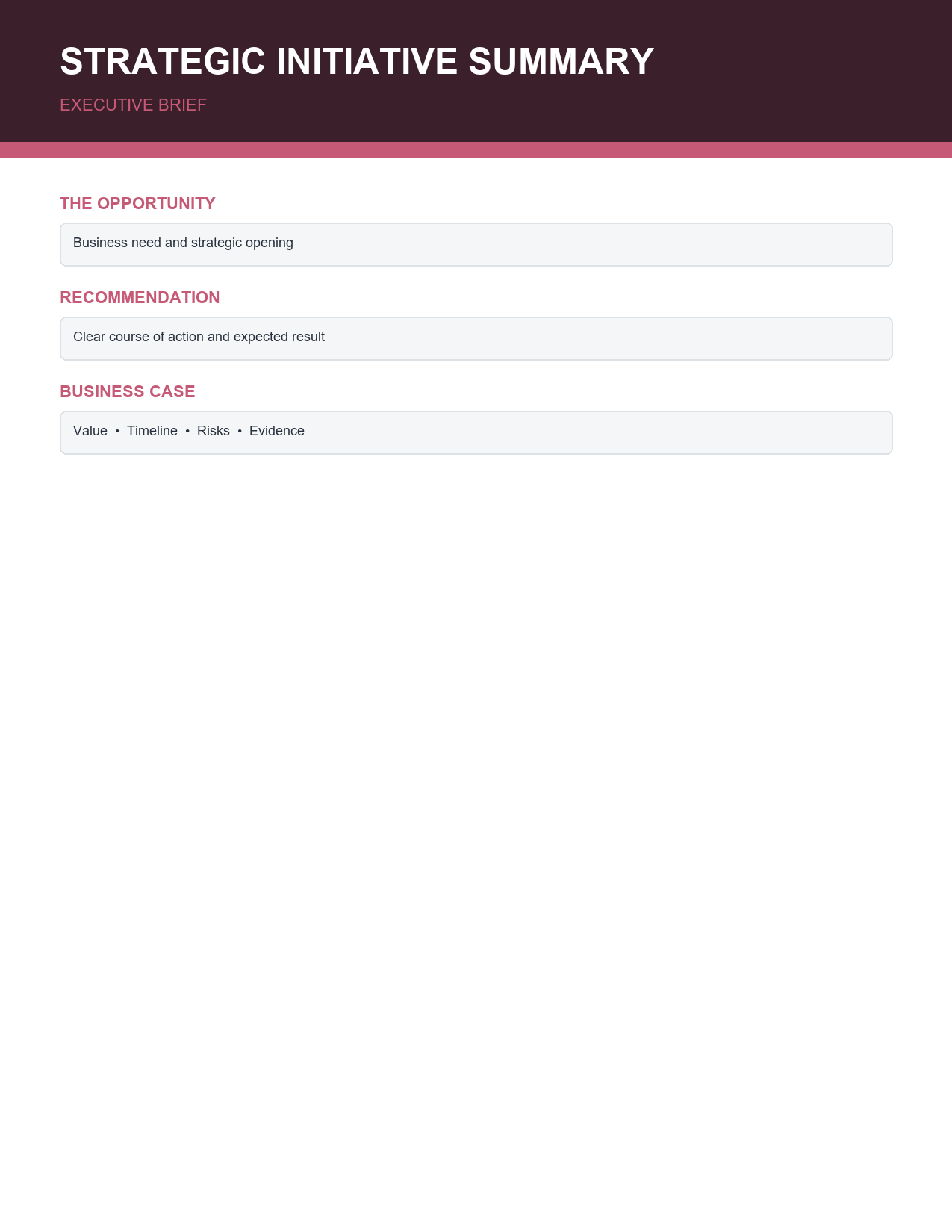
The template opens in Microsoft Word, Google Docs and LibreOffice Writer. Every heading, colour and text block is editable, so you can adapt it to proposals, reports, projects or investment requests.
What is an executive summary?
An executive summary is a short section or standalone document that summarizes a longer report, proposal or plan for senior readers. It presents the key points, conclusions and recommendations so readers can understand the essentials without reading the full document. Unlike an introduction, which sets up what follows, an executive summary stands on its own: it tells the reader what you found, what you recommend and why it matters.
Sections of the template
The opportunity or problem
A short statement of the situation that requires a decision, such as a market opportunity, rising costs, a customer problem or a compliance requirement.
Recommendation
The specific decision you are asking for, stated clearly in one or two sentences, for example "Approve a 120,000 investment in an automated warehouse picking system."
Why now
The urgency or timing, explaining what happens if the decision is delayed.
Business case
The key reasons the recommendation makes sense, including strategic fit, customer impact and financial logic.
Expected value
Quantified benefits, such as revenue growth, cost savings, payback period or return on investment.
Risks and mitigation
The main risks of the recommendation and how they will be managed, so readers see you have considered downsides.
Evidence
The data, research, pilots or benchmarks that support your case.
Next 30-day actions
The immediate steps that will follow approval, with owners and dates, showing the plan is ready to execute.
How to write an executive summary step by step
- Write or finalize the full report or proposal first.
- Identify your audience and the decision they need to make.
- Write the recommendation first, in one or two clear sentences.
- Summarize the opportunity or problem in plain language.
- Choose the three to five strongest arguments for the business case.
- Quantify expected value with realistic figures.
- List the top risks and how you will reduce them.
- Cite the most persuasive evidence briefly.
- Outline the next 30 days of actions.
- Edit ruthlessly until the summary fits on one page.
- Ask someone unfamiliar with the project to read it and explain the recommendation back to you.
Executive summary example
Opportunity: Customer support costs rose 28% last year as order volumes grew, and average response times now exceed 24 hours. Recommendation: Approve implementation of an AI-assisted help desk at a cost of 45,000 in year one. Why now: Peak season begins in eight weeks; without action, response times are forecast to reach 48 hours. Business case: Automating routine queries will handle 40% of tickets, freeing agents for complex cases and improving customer satisfaction. Expected value: Savings of 70,000 per year, payback in eight months. Risks: Staff adoption and data quality, mitigated by phased rollout and training. Evidence: A four-week pilot resolved 38% of tickets automatically with a 4.6 satisfaction score. Next 30 days: Sign contract, migrate knowledge base and train the first team.
Tips for a persuasive executive summary
- Lead with the recommendation; do not make readers search for it.
- Keep it to one page, or about 10% of the length of the full document.
- Use plain language and avoid technical jargon.
- Use numbers to make benefits concrete.
- Be honest about risks; credibility matters more than optimism.
- Write in active voice with short sentences.
- Use headings and bullet points for quick scanning.
- Make sure every figure matches the full report.
- End with a clear call to action or decision request.
Where executive summaries are used
- Business plans for investors and lenders.
- Project proposals and business cases.
- Grant and funding applications.
- Consulting and research reports.
- Board papers and investment requests.
- Marketing and strategy plans.
- Feasibility studies.
- Annual and performance reports.
Executive summary vs. abstract vs. introduction
An abstract, common in academic papers, briefly describes the purpose, methods, results and conclusions of research, mainly to help readers decide whether to read further. An introduction sets the context and explains what the document will cover. An executive summary is written for decision makers: it focuses on conclusions, recommendations and business impact, and is designed to be read instead of the full document if necessary. For a full business plan summary with company overview, market and financials, see our business plan executive summary templates.
Common mistakes to avoid
- Writing the summary before the full analysis is complete.
- Burying the recommendation at the end.
- Including too much background and too little conclusion.
- Using vague claims without numbers or evidence.
- Ignoring risks and costs.
- Introducing new information not found in the main report.
- Exceeding one or two pages.
Customizing the template
Replace the burgundy accent with your company colours by selecting headings and changing the font colour, and update shaded areas under Table Design > Shading. Add your logo and document reference to the header. Rename sections to match your organization's approval process, for example "Ask" instead of "Recommendation". For investment committees, add a small table summarizing costs, benefits and payback period. Save your customized version as a company template so every business case follows the same structure.
Presenting an executive summary in a meeting
When presenting your recommendation to a board or leadership team, share the one-page summary in advance and use it as the agenda for the discussion. Start by stating the decision you need, then walk through the business case and risks briefly before inviting questions. Keep detailed analysis in an appendix or backup slides so you can answer challenges without overwhelming the meeting. At the end, confirm the decision and the next 30-day actions, and record them in the meeting minutes.
Executive summary checklist
- Does the first sentence state the opportunity or problem?
- Is the recommendation clear and specific?
- Is there a reason to act now?
- Are benefits quantified with realistic figures?
- Are costs and the investment required stated?
- Are the main risks and mitigations included?
- Is the evidence credible and briefly cited?
- Are next steps, owners and dates listed?
- Does it fit on one page?
- Could someone make a decision after reading only this page?
Adapting the template for different audiences
Different readers care about different things. Finance directors focus on costs, payback and risk, so strengthen the expected value and risk sections with clear numbers. Operations leaders want to know how the change will affect people, processes and timelines, so expand the next 30-day actions and implementation notes. Investors and boards look for strategic fit, market opportunity and return on investment. Customers or partners may care most about service improvements and outcomes. Before writing, ask what the decision maker worries about most, and make sure the summary answers that concern directly in the first few lines.
Writing style for executive readers
Executives value brevity and clarity. Use short sentences, concrete numbers and plain words instead of jargon or acronyms. Write in the active voice: "We recommend" is stronger than "It is recommended". Remove qualifiers such as "very" or "somewhat" and avoid hedging language that weakens your case. Use headings and bold key figures so a reader skimming the page still understands the main message.
Frequently asked questions
Is this executive summary template free?
Yes. Download, edit and use it for any proposal or report.
How long should an executive summary be?
Ideally one page. For very long reports, two pages is the maximum most readers will accept.
Should I write the executive summary first or last?
Write it last, after the full analysis is complete, but place it first in the document.
Can I use the template in Google Docs?
Yes. Upload the DOCX to Google Drive and open it with Google Docs.
What is the difference between this template and a business plan executive summary?
This one-page brief is designed for a single decision or business case. A business plan executive summary covers the whole company, including market, products, team and financial projections. Use both together when presenting a new venture to investors.