
Graph paper is one of the most useful kinds of paper you can keep at home, in the classroom or at the office. Students use it for maths, geometry and science graphs. Designers use it to sketch layouts and floor plans. Crafters use it for knitting, cross-stitch and quilting patterns, and many people use dot grid paper for bullet journals and planning. Instead of buying pads, you can print exactly the paper you need, when you need it.
Our free graph paper template for Microsoft Word has two printable pages: a ¼-inch square grid with light blue lines, and a ¼-inch dot grid with soft grey dots. Each page has name and date fields at the top and a grid of 30 by 38 squares that fills a US Letter page. Preview it below and download the DOCX.
Download the free graph paper template
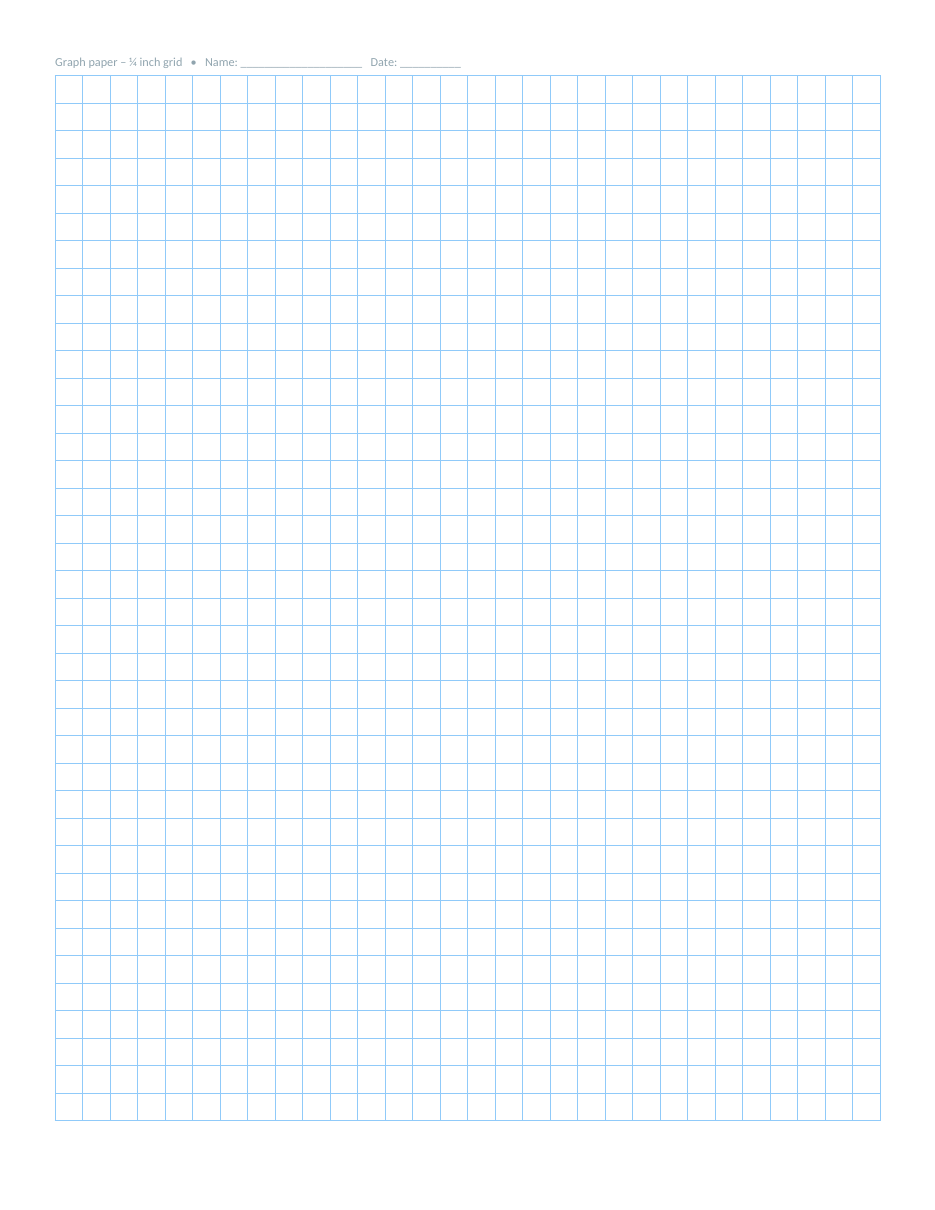
The template opens in Microsoft Word, Google Docs and LibreOffice Writer. Print the page you need, or print both and keep a supply in a folder.
What the template includes
- Page 1: ¼-inch square graph paper with light blue grid lines.
- Page 2: ¼-inch dot grid paper with small grey dots.
- A 30 × 38 grid on each page, laid out on a US Letter page with half-inch margins.
- Name and date fields at the top of each page.
- Narrow margins to make the most of the paper.
- Light colours that print clearly without overpowering your drawing.
How to print graph paper correctly
- Open the template and choose the page you want.
- Go to File > Print.
- Select the pages to print, for example page 1 for square grid only.
- Set the scale to 100% or "Actual size" so squares stay exactly ¼ inch.
- Turn off "Fit to page" or "Shrink oversized pages".
- Print a test sheet and measure four squares; they should equal one inch.
- Print as many copies as you need.
If your printer scales the page slightly, the squares will not be exactly ¼ inch. That does not matter for sketches, but for accurate scale drawings, always check the printer settings.
Square grid vs dot grid
Square grid paper gives you clear lines that help with accurate measurement, charts and plotting points. It is the traditional choice for maths, engineering and scale drawings. Dot grid paper provides the same structure with much less visual noise. The dots guide your lines and spacing but disappear into the background, which is why dot grids are popular for journals, lettering, notes and product sketches.
Uses for graph paper
- Plotting graphs and functions in maths and science.
- Geometry, area and perimeter exercises.
- Teaching place value and long multiplication with aligned digits.
- Drawing floor plans and room layouts to scale.
- Garden and landscape planning.
- Pixel art and game level design.
- Cross-stitch, knitting and quilting patterns.
- Bullet journals, habit trackers and planners.
- Sketching website wireframes and app screens.
- Engineering and woodworking drawings.
Using graph paper for scale drawings
To draw a room plan, choose a scale such as one square equals one foot, or one square equals 25 centimetres. Measure the room, count the squares and draw the walls. Add doors, windows and furniture to the same scale. The ¼-inch grid gives 30 squares across the page, which fits a room up to 30 feet wide at one foot per square.
Tips for accurate drawings
- Write the scale at the top of the page.
- Use a sharp pencil and a ruler.
- Draw the outline first, then add details.
- Use different colours for walls, furniture and electrical points.
- Label measurements along the edges.
Graph paper for students and teachers
Graph paper helps students keep columns neat in arithmetic, draw accurate bar charts and line graphs, and understand coordinates. Teachers can print class sets, use the dot grid for geometry constructions, or create worksheets by typing questions above the grid. Because the template is a Word document, you can add instructions or a title before printing.
Customising the template
- Change the line colour by selecting the table and editing its borders.
- Make bolder lines every fifth square for easier counting.
- Delete rows to leave space for a title or instructions.
- Change the dot colour on page 2 by selecting all the dots and changing the font colour.
- Save a copy as PDF for easy, reliable printing.
Graph paper for crafts and hobbies
Graph paper is an essential tool for many crafts. In cross-stitch and needlepoint, each square represents one stitch, so you can design a pattern by colouring squares with pencils and then follow it on fabric. Knitters use graph paper to chart colourwork and lace patterns, with each square showing one stitch and each row one knitted row. Quilters use it to plan blocks and calculate fabric pieces, and mosaic and tile designers use it to plan their layouts before cutting a single piece.
Pixel art and game design also work naturally on a square grid. Each square becomes one pixel or one tile, which makes it easy to plan characters, icons and game levels before moving to the computer. Because the template prints at a consistent size, you can photocopy a design and try different colour versions side by side.
Dot grid paper for journaling and planning
Dot grid pages have become a favourite for bullet journals, habit trackers and creative planners. The dots help you draw straight lines, boxes and calendars without the busy look of a full grid. Use them for monthly overviews, to-do lists, mood trackers, meal plans and reading logs. Hand lettering and calligraphy practice also benefit from the dots, which help you keep letter height and spacing consistent.
- Draw a monthly calendar by connecting dots every four squares.
- Use one dot square for each day in a habit tracker.
- Sketch quick charts and mind maps for meetings.
- Practise hand lettering using the dots as baselines.
- Plan product sketches and simple diagrams.
Graph paper in maths lessons
In maths, graph paper turns abstract ideas into something students can see. Plot coordinates to draw shapes, graph linear equations and compare functions. Count squares to find area and perimeter, or draw arrays to show multiplication. In science, students can plot experiment results as line graphs or bar charts, choosing a sensible scale for each axis so the data fills most of the grid. A neat graph with a title, labelled axes and units is easier to read and usually earns better marks.
Choosing a scale for a graph
- Find the largest value you need to plot on each axis.
- Count the squares available along each axis.
- Choose a simple scale, such as 1, 2, 5 or 10 units per square, that fits the largest value.
- Label the axes with names and units.
- Plot points carefully and join them with a ruler or a smooth curve.
Saving paper and ink
The grid lines are a light blue and the dots a soft grey, so each page uses very little ink. If you print a lot of graph paper, set your printer to draft or economy mode, which is usually more than clear enough for grid lines. Print double-sided with a grid on both sides, or print the square grid on one side and the dot grid on the other, so each sheet serves two purposes. Keep a small stack of printed sheets in a folder or clipboard so paper is always ready when a student or colleague needs it.
Frequently asked questions
Is the graph paper template free?
Yes. Print as many copies as you like for school, home or work.
What size are the squares?
Each square is ¼ inch (about 6.35 mm), giving four squares per inch.
Will it print on A4 paper?
The template is set up for US Letter. To print on A4, change the page size to A4 in Layout > Size and delete one column of squares so the 7.5-inch grid fits the narrower page, or let the printer scale the page slightly if exact square size is not important.
Why are my squares not exactly ¼ inch?
Your printer is probably scaling the page. Choose "Actual size" or 100% in the print settings.
Can I print only the dot grid?
Yes. Select page 2 in the print dialog.
Can I change the grid size?
Yes. Select the table and change the row height and column width, for example to 0.2 inch or 5 mm, then add or remove rows and columns so the grid still fits the page.
Can I add bold lines every inch?
Yes. Select every fourth column or row and apply a thicker border to create one-inch major gridlines.
Can I write on it digitally?
Yes. Save the page as PDF and open it in a tablet note-taking app to write or draw with a stylus.
Related templates
- Lined paper templates
- Weekly planner templates
- Weekly schedule templates
- Lesson plan templates
- Daily schedule templates