Every family has recipes worth keeping: grandmother's curry, a favourite birthday cake, the soup everyone asks for in winter. Recipe cards preserve those dishes in a neat, consistent format that is easy to read in the kitchen, share with friends and pass down through generations. They are also practical for home cooks building a collection, food bloggers creating printables, cooking teachers and small food businesses standardizing their recipes.
This page features an editable recipe card template for Microsoft Word along with a gallery of recipe card designs, including blank recipe cards, coloured cards, green recipe cards and printable ready-to-use layouts. Preview the designs, download the editable Word file and follow our tips for writing recipes that anyone can follow.
Download free recipe card templates
Samples Of Recipe Cards
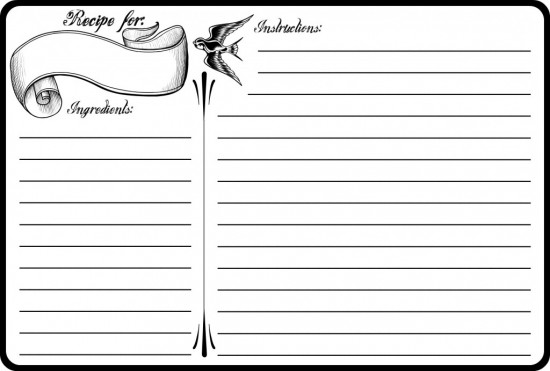

Green Recipe Card
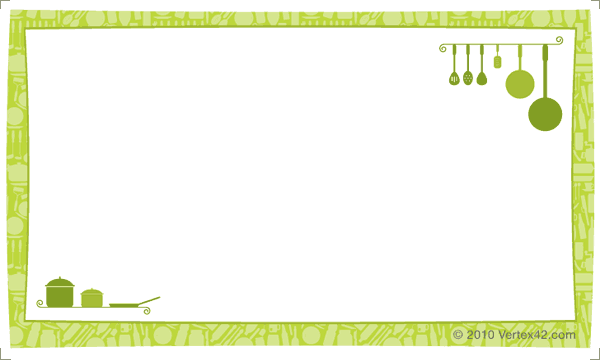

Blank Recipe Card

Recipe Card Example
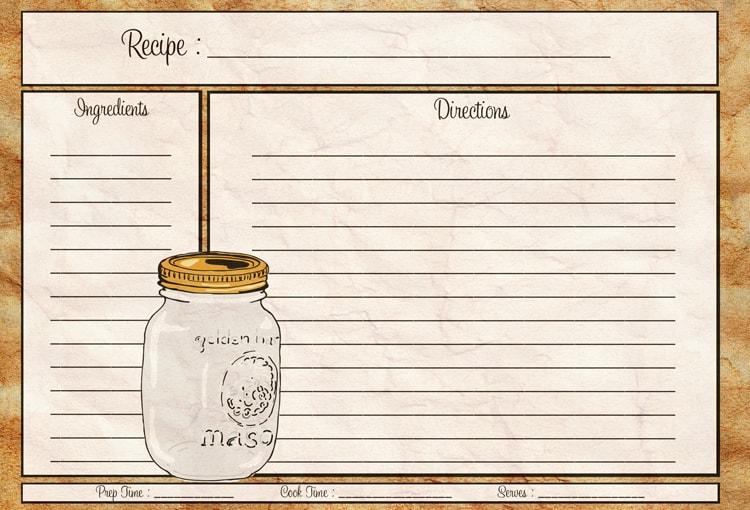

Recipe Card Example
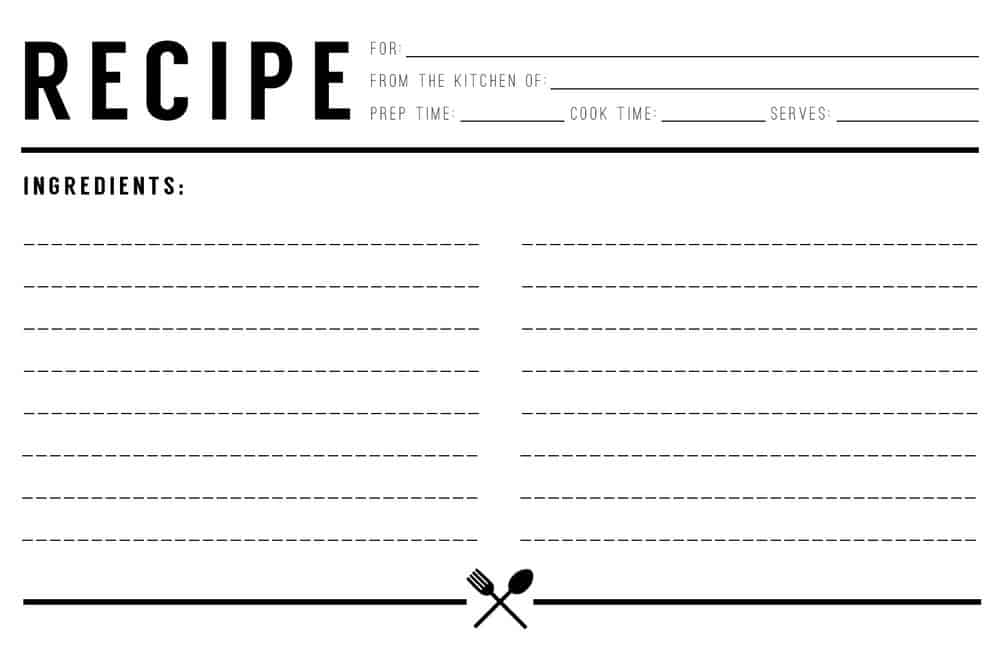

Recipe Card Printable
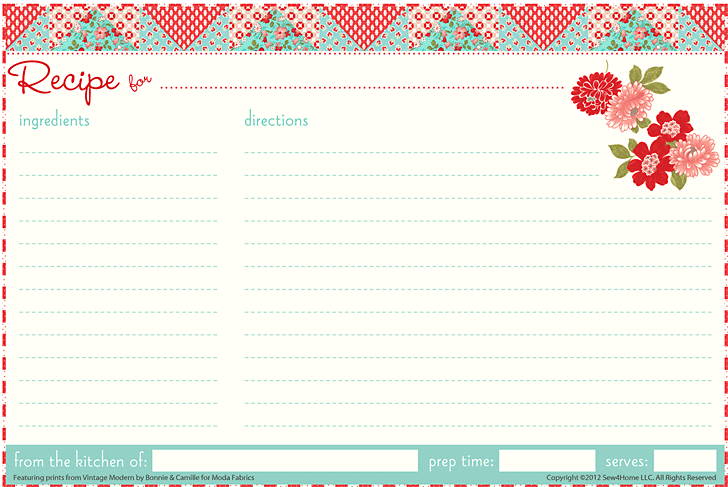

Colored Recipe Card

Recipe Card Printable

Blank Recipe Card

Recipe Card Ready To Use

The DOCX recipe card opens in Microsoft Word, Google Docs and LibreOffice Writer, so you can type your ingredients and method before printing. The other designs on this page are preview examples to inspire your own cards.
What is a recipe card?
A recipe card is a small, structured card that records a single recipe: its name, servings, preparation and cooking times, ingredients with measurements and step-by-step instructions. Traditional recipe cards are 3 × 5 or 4 × 6 inches and fit in a recipe box, while larger half-page or full-page cards suit binders. A consistent card design makes a collection look attractive and makes each recipe quick to follow while cooking.
What to include on a recipe card
- Recipe name.
- Source or the person the recipe came from, such as "Nani's recipe".
- Number of servings or yield.
- Preparation time, cooking time and total time.
- Oven temperature or cooking method.
- Ingredients with exact quantities, listed in the order they are used.
- Step-by-step instructions, numbered.
- Equipment needed, such as a 9-inch tin or a food processor.
- Tips, variations or substitutions.
- Storage and reheating notes.
- Dietary labels, such as vegetarian, gluten-free or contains nuts.
How to write a recipe card step by step
- Choose a short, descriptive recipe name, such as "Lemon Herb Roast Chicken".
- Note the servings and the preparation and cooking times.
- List ingredients in the order they are used, with clear measurements and units.
- Specify preparation in the ingredient list, such as "1 onion, finely chopped".
- Write instructions as numbered steps, beginning each with an action verb like mix, bake or simmer.
- Include temperatures, times and visual cues, such as "bake for 25 minutes until golden".
- Add helpful notes, substitutions or serving suggestions.
- Proofread measurements carefully; a mistake in quantities can ruin a dish.
- Print the card and test the recipe, then update the card if needed.
Recipe writing tips
- Be precise: "1 teaspoon salt" is better than "some salt".
- Use consistent units, either metric or imperial, or include both.
- Keep each step short and focused on one action.
- Group ingredients for complex recipes, such as "For the sauce" and "For the topping".
- Mention pan sizes and oven positions.
- Explain doneness indicators, such as colour, texture or internal temperature.
- Write for someone who has never made the dish before.
- Add the date you first made it and any family stories that make the recipe special.
Recipe card sizes
3 × 5 inch cards
The classic recipe box size, best for short recipes with a few ingredients and steps.
4 × 6 inch cards
The most popular modern size, with more room for ingredients and instructions while still fitting standard recipe boxes and photo albums.
5 × 7 inch cards
Larger cards suited to detailed recipes and binders.
Half-page and full-page cards
Letter or A4 sheets folded or cut in half, ideal for binders, cooking classes and recipes with many steps.
Printing recipe cards
- Print on card stock of 200 gsm or more so cards are sturdy.
- Use matte paper to reduce glare under kitchen lights.
- Print several cards per sheet and cut them with a paper trimmer.
- Laminate cards or use plastic sleeves to protect them from splashes.
- Round the corners with a corner punch for a polished finish.
- Store cards in a recipe box with category dividers.
Recipe card ideas
- Create a family cookbook by collecting recipes from relatives on matching cards.
- Make a wedding or bridal shower recipe collection, asking guests to write their favourite recipes.
- Give homemade food gifts with a recipe card attached.
- Create holiday recipe cards for festive baking and celebration meals.
- Use recipe cards for meal planning and weekly grocery lists.
- Teach children to cook with simple illustrated recipe cards.
- Share recipes at potlucks and community events.
- Create recipe cards for a café or bakery to standardize preparation.
Organizing your recipe collection
As your collection grows, organization keeps it useful. Sort cards by category, such as breakfast, soups, mains, sides, desserts and drinks, or by cuisine or season. Use coloured cards or tabs for each category. Add a simple index card at the front of each section listing the recipes it contains. Keep a digital backup by scanning or photographing each card, or keep the Word files in a dedicated folder, so treasured family recipes are never lost.
Recipe cards for food businesses
Restaurants, cafés, bakeries and caterers use standardized recipe cards to ensure dishes taste the same no matter who prepares them. Business recipe cards typically include exact weights, yield, portion size, cost per portion, allergen information, plating instructions and a photo of the finished dish. Use the Word template as a starting point and add rows for costing and allergens. Standard recipes also make training new staff faster and help control food costs.
Customizing the Word template
Click into the template to replace placeholder text with your recipe name, ingredients and method. Change fonts to a handwritten or vintage style for a homely feel, or a clean sans-serif font for a modern look. Adjust colours and borders to match your kitchen theme or brand. Insert a small photo of the finished dish using Insert > Pictures. Save a blank version as your master template, then create a new copy for each recipe.
Food safety notes for recipe cards
Including food safety information makes recipes safer to follow. Note safe internal cooking temperatures for meat, poultry and fish, how long leftovers can be stored in the refrigerator or freezer and how to reheat them properly. Highlight common allergens such as nuts, dairy, eggs, gluten, soy and shellfish, especially when sharing recipes with others or selling food. For baked goods given as gifts, add a "best before" date on the card.
Converting and scaling recipes
Recipe cards are especially useful when you need to cook for a different number of people. To scale a recipe, divide the number of servings you need by the original servings to find a multiplication factor, then multiply each ingredient by that factor. For example, to turn a 4-serving recipe into 10 servings, multiply each quantity by 2.5. Be careful with seasonings, leavening agents and cooking times, which do not always scale in a straight line; adjust them gradually and taste as you go. Note the scaled quantities on a separate card so you do not have to recalculate next time.
Common measurement conversions
- 1 tablespoon = 3 teaspoons = about 15 ml.
- 1 cup = 16 tablespoons = about 240 ml.
- 1 ounce = about 28 grams.
- 1 pound = 16 ounces = about 454 grams.
- 1 kilogram = about 2.2 pounds.
- 180°C = about 350°F; 200°C = about 400°F.
- 1 stick of butter = about 113 grams.
Adding photos to recipe cards
A photo of the finished dish makes a recipe card more inviting and shows the cook what to aim for. Take photos in natural light, close to a window, and keep backgrounds simple. Insert the image into the Word template, resize it to fit the card and compress it under Picture Format > Compress Pictures to keep the file size small.
Frequently asked questions
Are these recipe card templates free?
Yes. The Word recipe card template is free to download, edit and print.
What size is the recipe card template?
Check the page setup in Word. You can resize the card or print multiple cards per page to suit 4 × 6 or other sizes.
Can I edit the recipe card in Google Docs?
Yes. Upload the DOCX file to Google Drive and open it with Google Docs.
How do I make recipe cards last longer?
Print on thick card stock and laminate the cards or store them in clear plastic sleeves.
Can I make a family cookbook from these cards?
Yes. Collect recipes on matching cards, scan or print them and bind them in a binder or photo book with category dividers and an index.
Should I include nutrition information?
It is optional for home cooks but useful for health-conscious readers, bloggers and food businesses. Add calories, protein, carbohydrates and fat per serving if you know them.